

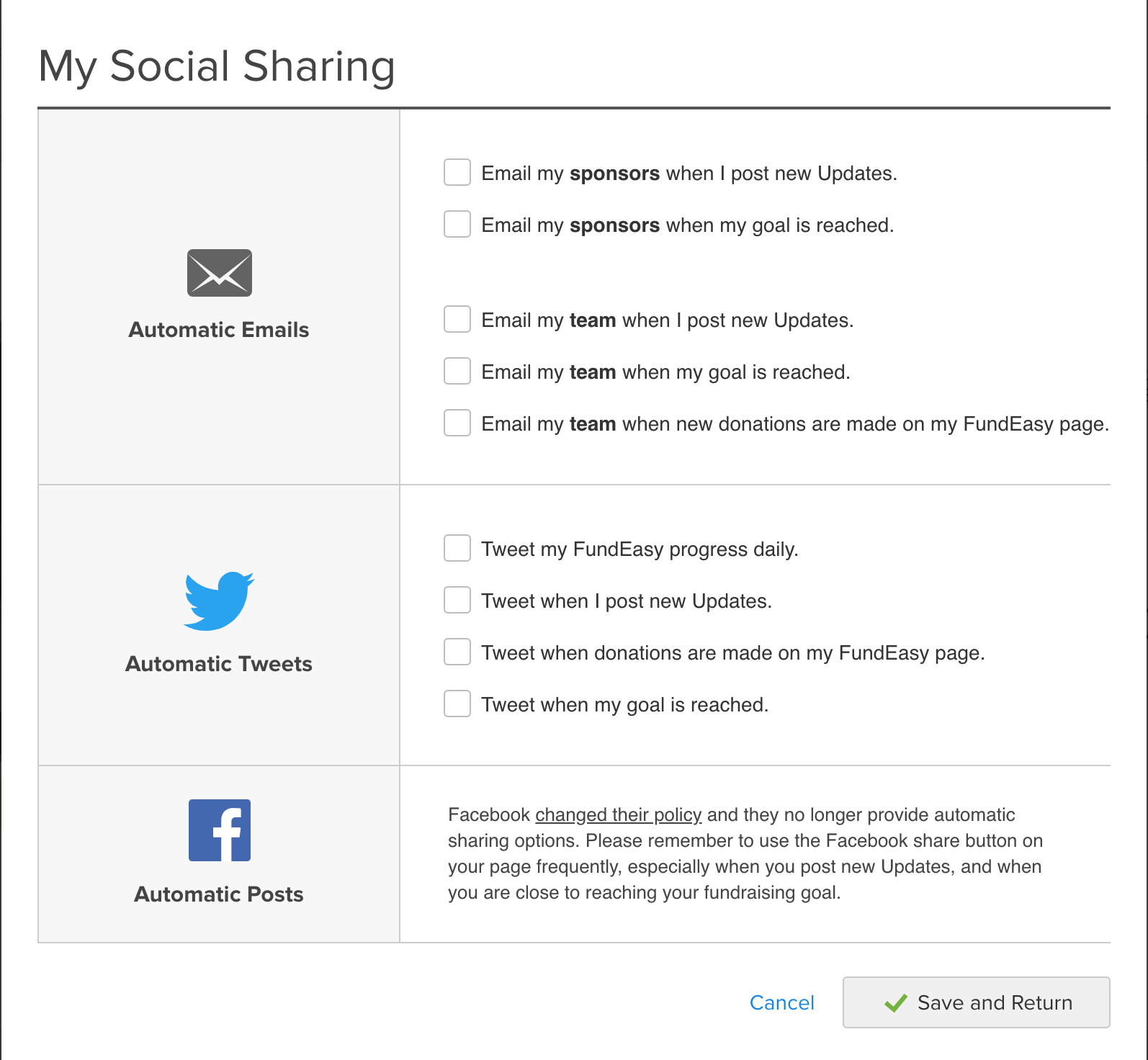
Participants can modify their Twitter and email sharing settings by logging onto FundEasy page and then clicking the FundEasy Profile Settings button. There is no admin access to these tools.
Because of recent changes at Facebook, auto-posting is no longer available. However, your participants can manually share their page from the Spread the Word section of their page or from their Updates tab.
They can permanently revoke access to Twitter from FundEasy by going to their Twitter account settings and removing the permission for the Ministry Sync or FundEasy app. Information on revoking access on Twitter is available from this link.