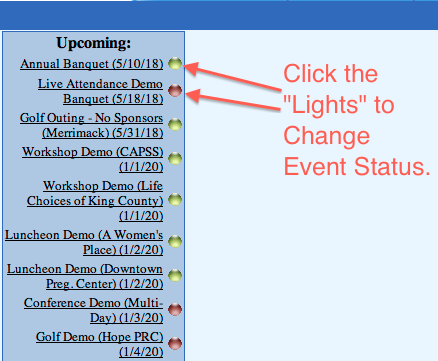
To open or close your event registration, just click on the dot next to the name of your event in the Upcoming Events. Note: FundEasy registration does not have to be open for donation pages to be open. Registration can be closed, but FundEasy pages will still remain open for at least 30 days after the event.
Yellow means pre-open (Event is Closed to Public).
Green means open (Event is Live to Public).
Red means closed (Event is Closed to Public).