

Ministry Sync allows owners to add new users and control how much access users have. To view or modify User Access Levels, go to your Home Page, and click the Edit Users or Add Users icon.
Read Only Users can view events and registration but not edit them. They cannot open or close events.
Normal Users can manage event registrations, but they cannot make changes to Event Setup, including opening and closing events.
Admin Users have full access to manage registrations and change Event Setup.
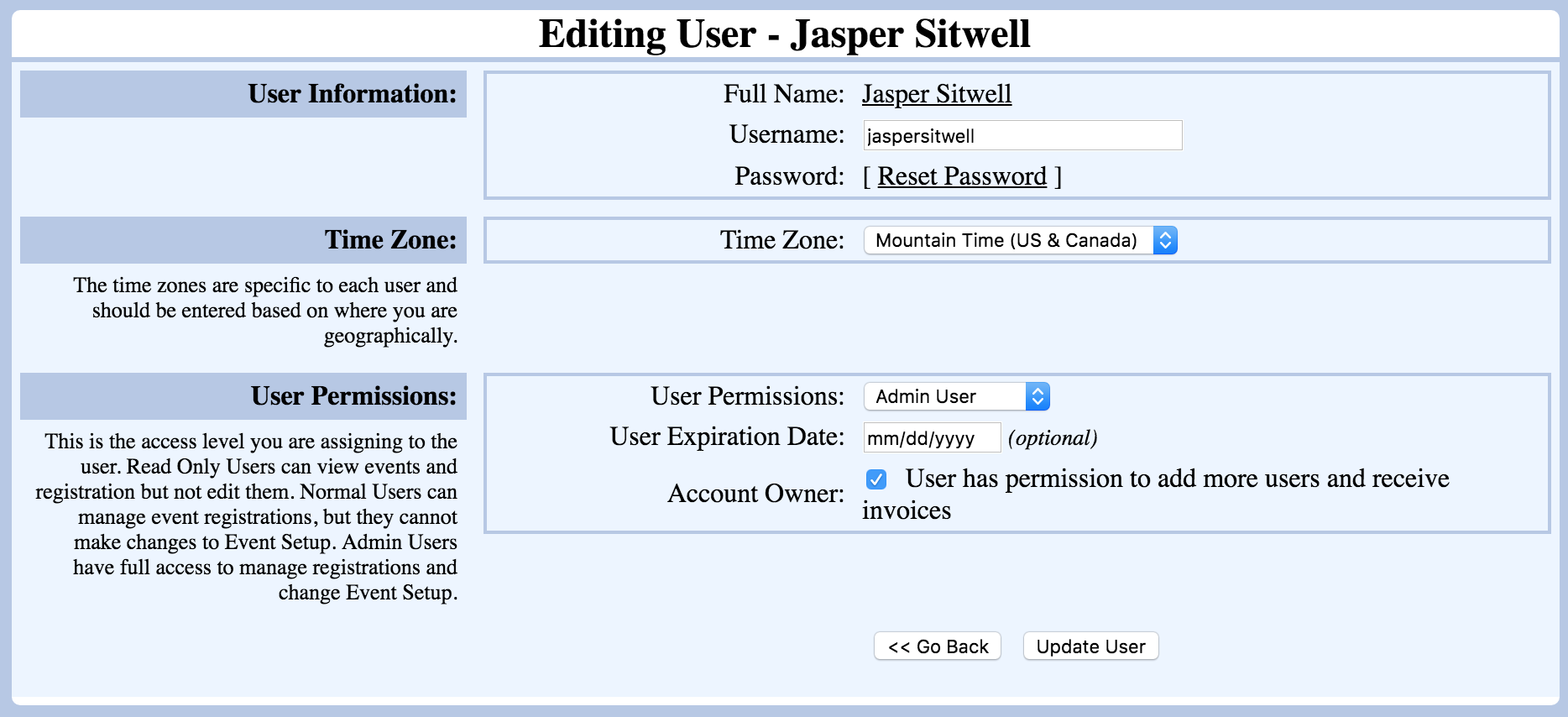
User Expiration Dates can be set for temporary employees. These are optional.
Account Owner has permission to add more users and receive invoices.