

After you've uploaded your Live Attendance data, you can view the statistics from the Attendance link in the dark blue menu bar.
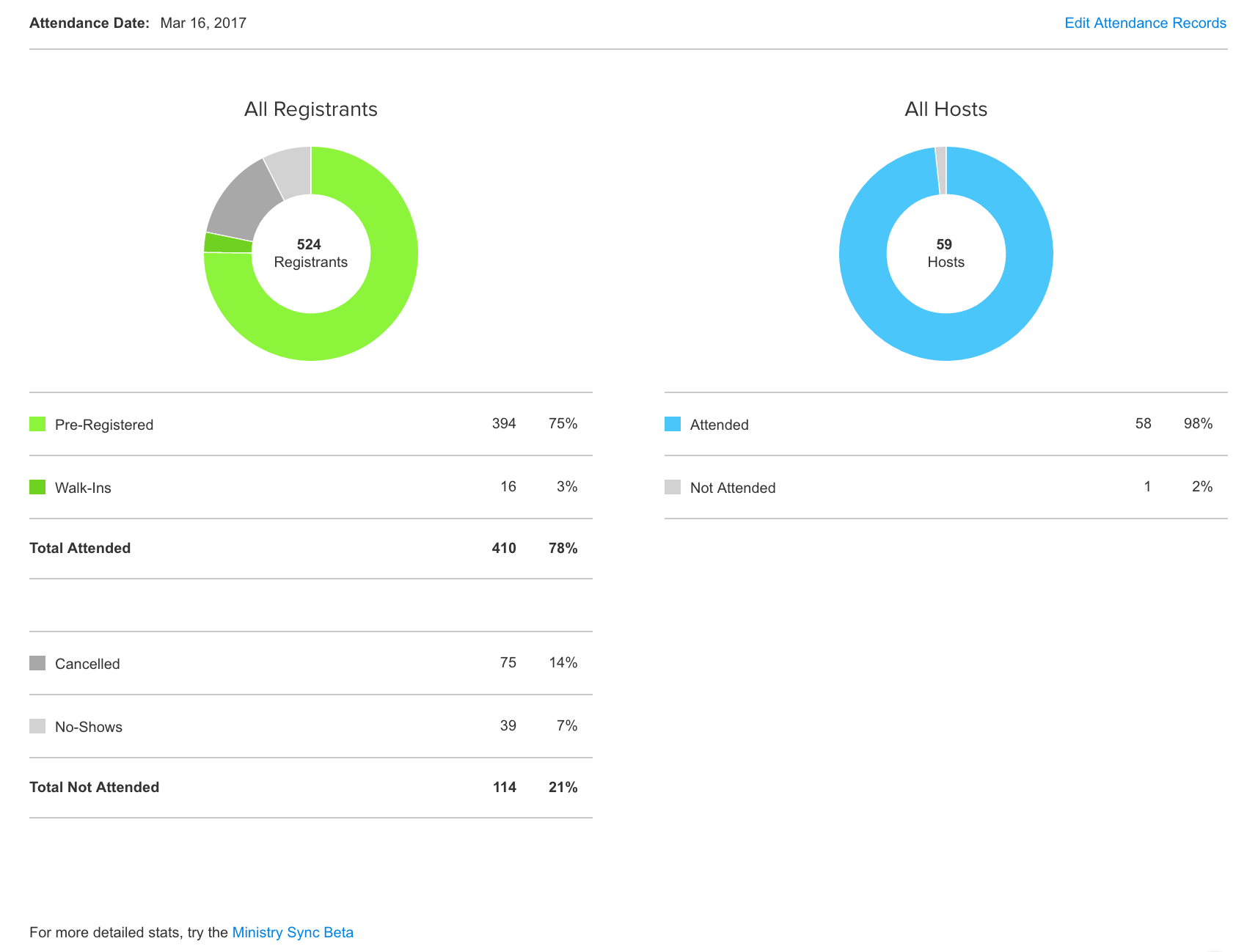
You can edit your Attendance Records from the Edit link on the upper right of this page. Simply check the people who attended and then click save.
Reporting options:
Reporting options have been moved to the beta. You can either click the Beta link in the upper right corner of your account, or you can click the link to Beta on the bottom of the Live Attendance stats page.