

You can add your own Donor ID numbers to your Ministry Sync profiles so your database will recognize that person in your database. The easiest way to add Donor ID numbers for your report is from Search.
From your event click Search
Click Add Remove Columns
Add the Donor ID field from the list of available fields. You can also remove fields from the report by unchecking ones like table number and sign up date.
Click Continue
The Donor ID fields will be editable in the search results. Click where it says (empty) and add the Donor ID from your database.
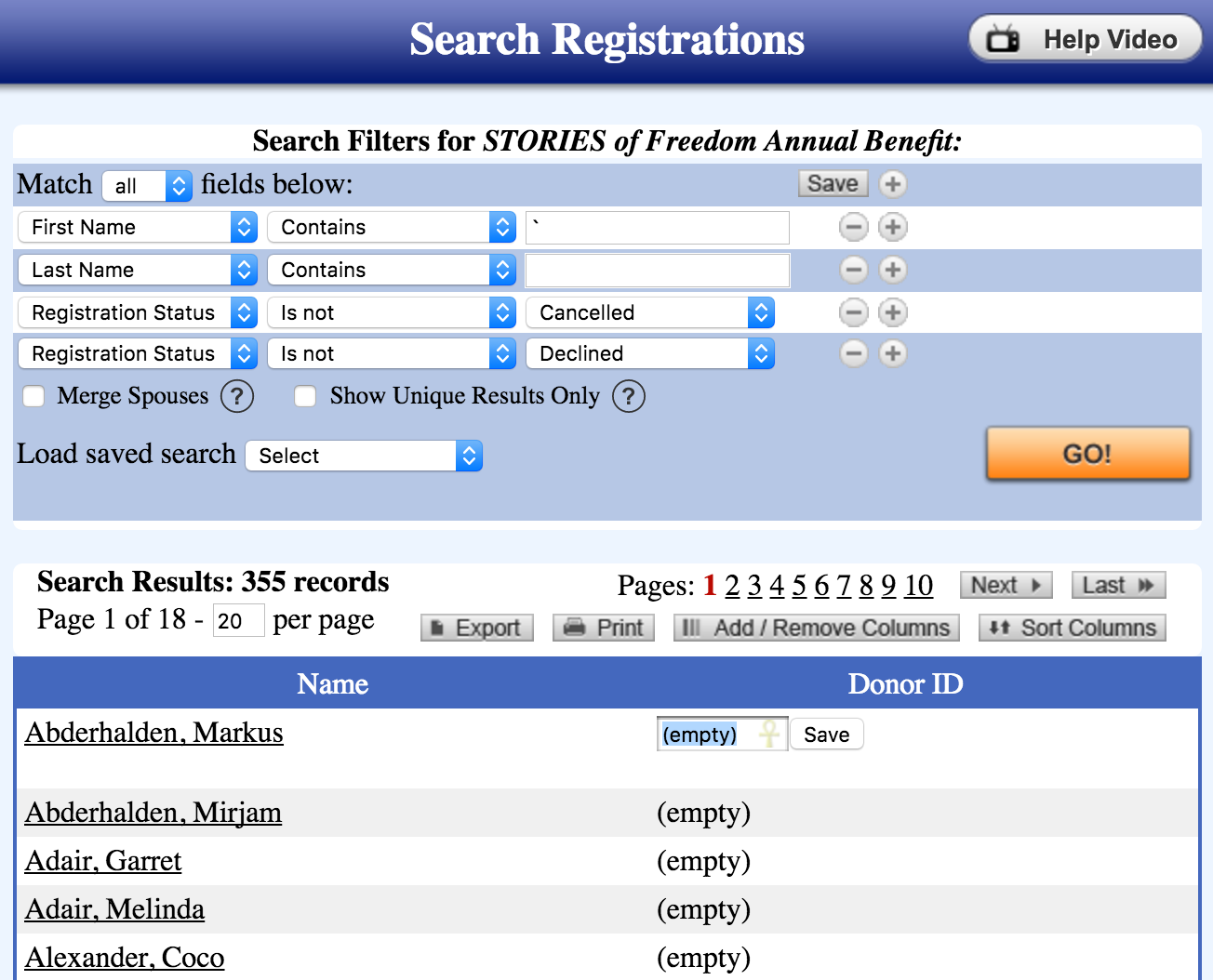
Click Save
Other articles you might enjoy:
WayCool Integration now available