

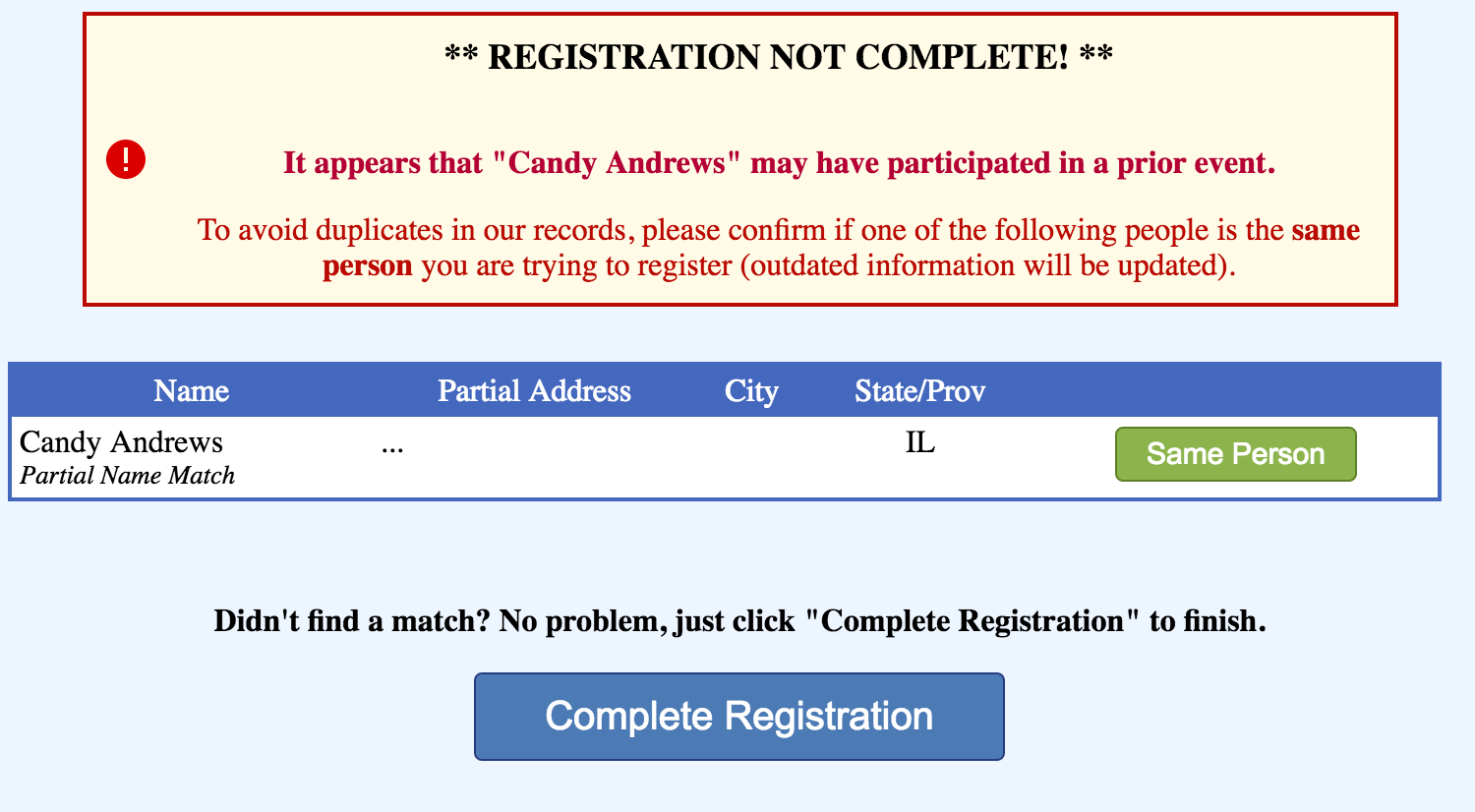
After you or your registrants complete the registration form, Ministry Sync checks for possible duplicates in your database. The fields that are compared are Name, Gender, Address, Phone, and Email. Any possible matches will appear on the duplicate checker page.
NOTE: If you're the contact person and you are registering to the event with your personal information, do NOT choose the profile in the duplicate checker that shows your event contact information. Otherwise your personal information will show in all your templates.
Admin version:
Registrant version:
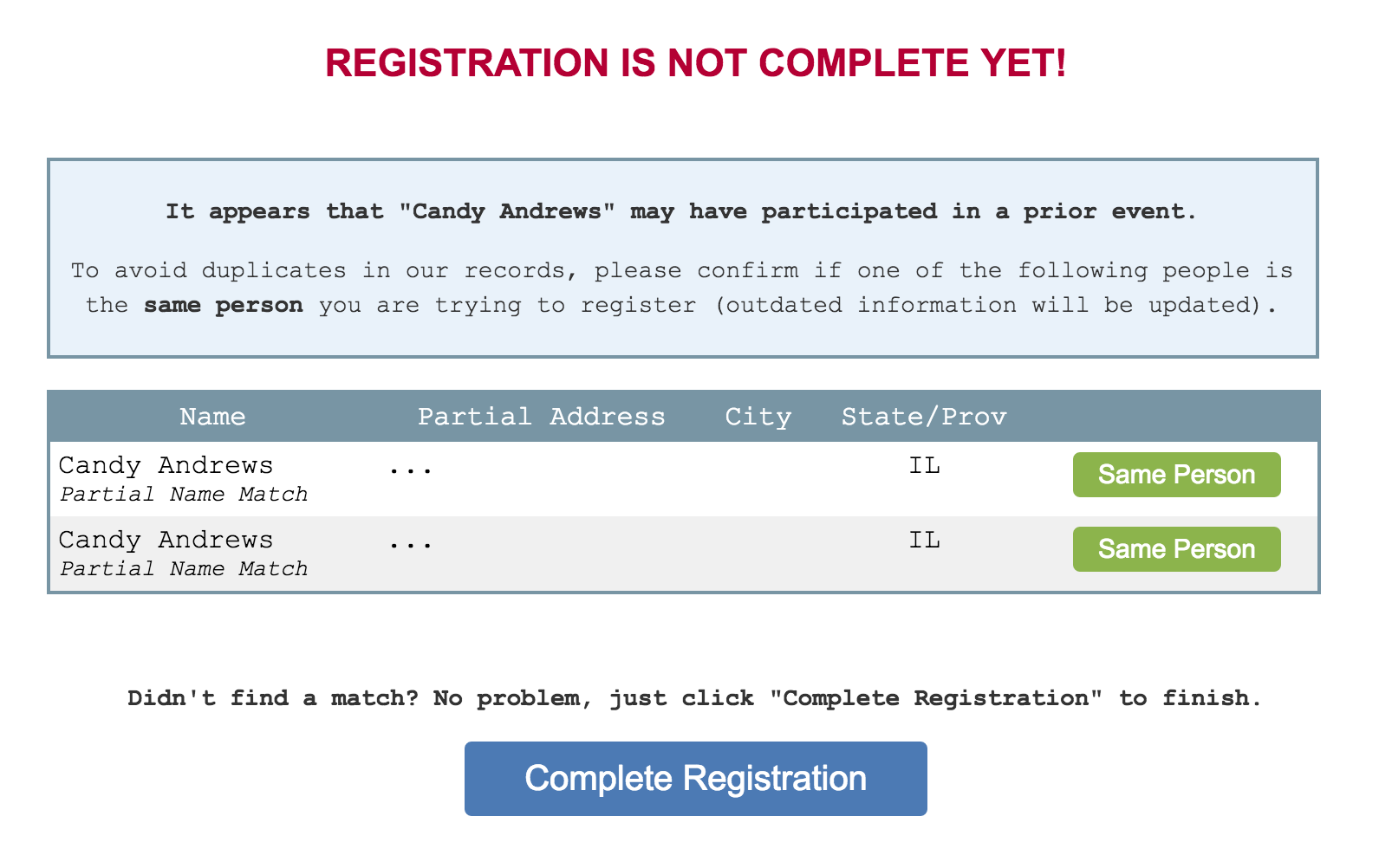
If you find a match, click the Same Person button to complete registration. The saved profile will be updated with the information in the registration form.
If you do not find a match, click Complete Registration to finish adding this person to your event.